











Anchor Text Planner
Build a structured anchor text plan for your link building campaign. Map keywords to target pages, control the anchor mix, distribute links by month, review risk signals and export a ready-to-use plan.


Generate your anchor plan
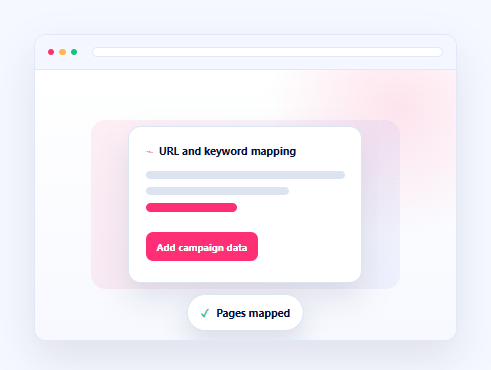
1. Add pages and keywords
Map every keyword to the page it should support, then set the campaign basics.
URL, keyword, optional page type. Repeat a URL to assign more keywords.2. Choose a distribution preset
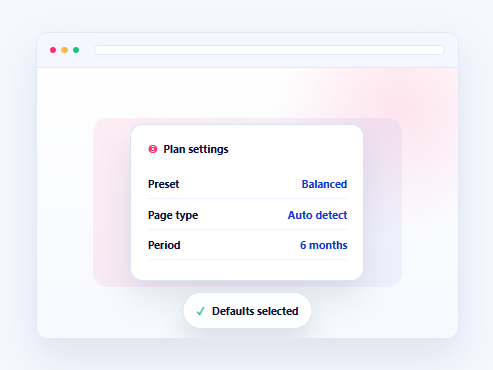
Presets set the starting anchor mix. You can fine-tune the percentages below.
3. Set the default page type
Auto detect is recommended. A third mapping column can override the type for individual URLs.
4. Distribution settings
Set the campaign-wide mix. The planner adapts it per URL based on page type.
Show advanced settings
Expert repeat caps by anchor type
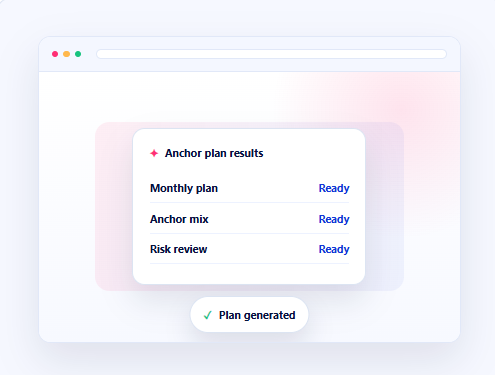
Anchor plan results
Review the mix, check high-risk pages and export the working plan.
Ready to build the links from this plan?
Turn your anchor plan into a managed link building campaign with verified placements, controlled anchor usage and campaign tracking.
Enter your email to unlock up to 10 plans per month.

Why use a Anchor Text Planner?

Plan by Target Page
Map every keyword to the URL it should support instead of generating one mixed anchor list for the entire website.

Control the Anchor Mix
Set exact, partial, brand, naked, LSI and mixed ratios or begin with a practical distribution preset.

Review Planning Risk
Check rule-based risk signals, anchor reuse, page-level ratios and differences between requested and applied mixes.

Export a Working Plan
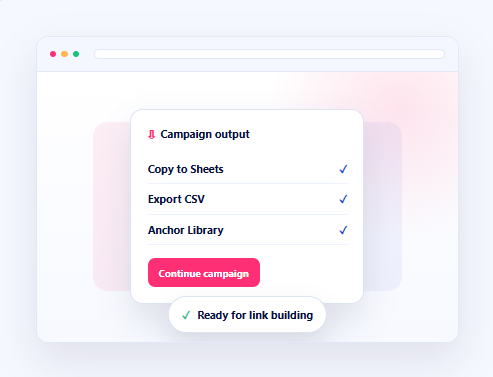
Filter the generated schedule, copy it to a spreadsheet or export CSV for outreach and link placement work.

Turn your anchor plan into link building campaign
Move from anchor planning to backlink acquisition, outreach and campaign delivery with related NeedMyLink services and resources.

Link Building Platform
Send selected backlink prospects into a campaign workspace.
Link Building Packages
Choose a backlink package for the pages in your plan.

Blogger Outreach
Use targeted outreach to secure relevant link placements.

Guest Post
Secure high-quality backlinks through relevant content placements.

Build an anchor plan in Simple Steps
Add one target URL and keyword pair per line. Repeat a URL when several keywords support the same page.
Select a distribution preset, set the default page type and define the number of links and campaign period.
Create the monthly anchor schedule, inspect the applied mix, review risk signals and check every target page.
Copy the plan to a spreadsheet, export CSV, review the Anchor Library or continue into a link building campaign.

Frequently Asked Questions
It compares your backlink profile with competitor profiles and finds referring domains that link to them but do not currently link to you.
Add one URL and keyword pair per line. Repeat the URL when several keywords belong to the same page. You can also provide an optional page type as the third value. Keep one website per plan.
The planner works with exact, partial, brand, naked, LSI and mixed anchors. You can set the ratios manually or begin with Safe, Balanced, Aggressive or Brand-heavy presets.
No. It is a rule-based planning signal based on anchor ratios, reuse and variation. Review the generated plan against the website’s existing backlink profile before using it.
Yes. You can regenerate anchor variations, filter the working plan, copy it to a spreadsheet, export CSV and review unique anchors in the Anchor Library.
Need backlinks for the pages in your plan?
Contact NeedMyLink for link building strategy, outreach, guest posting and managed backlink campaign support.