











Backlink Gap Checker
Find referring domains that link to your competitors but not to you. Compare domains or exact pages, filter the strongest opportunities, review matching backlinks and move selected prospects into outreach.


Results Overview
Your Results
Continue with selected prospects
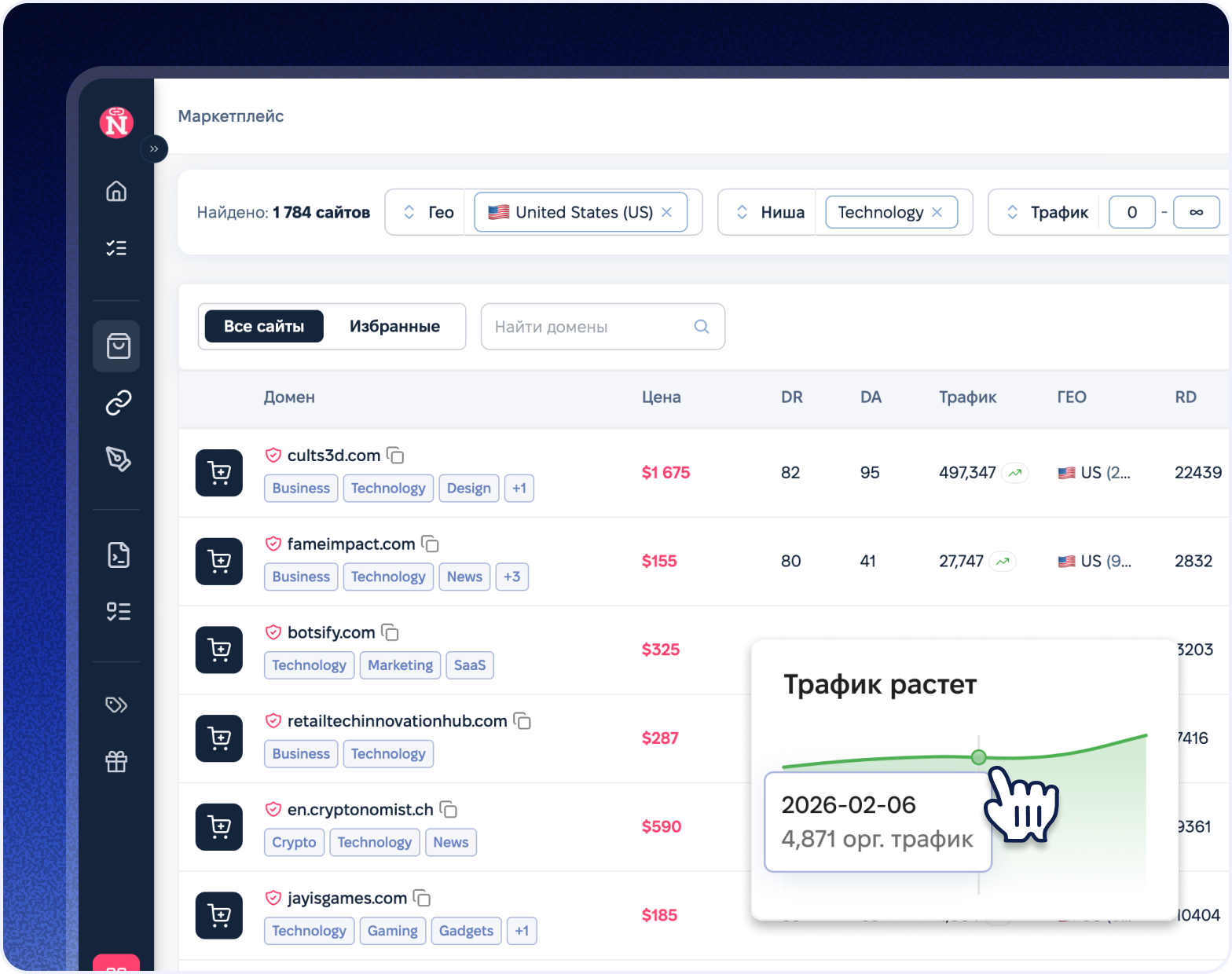
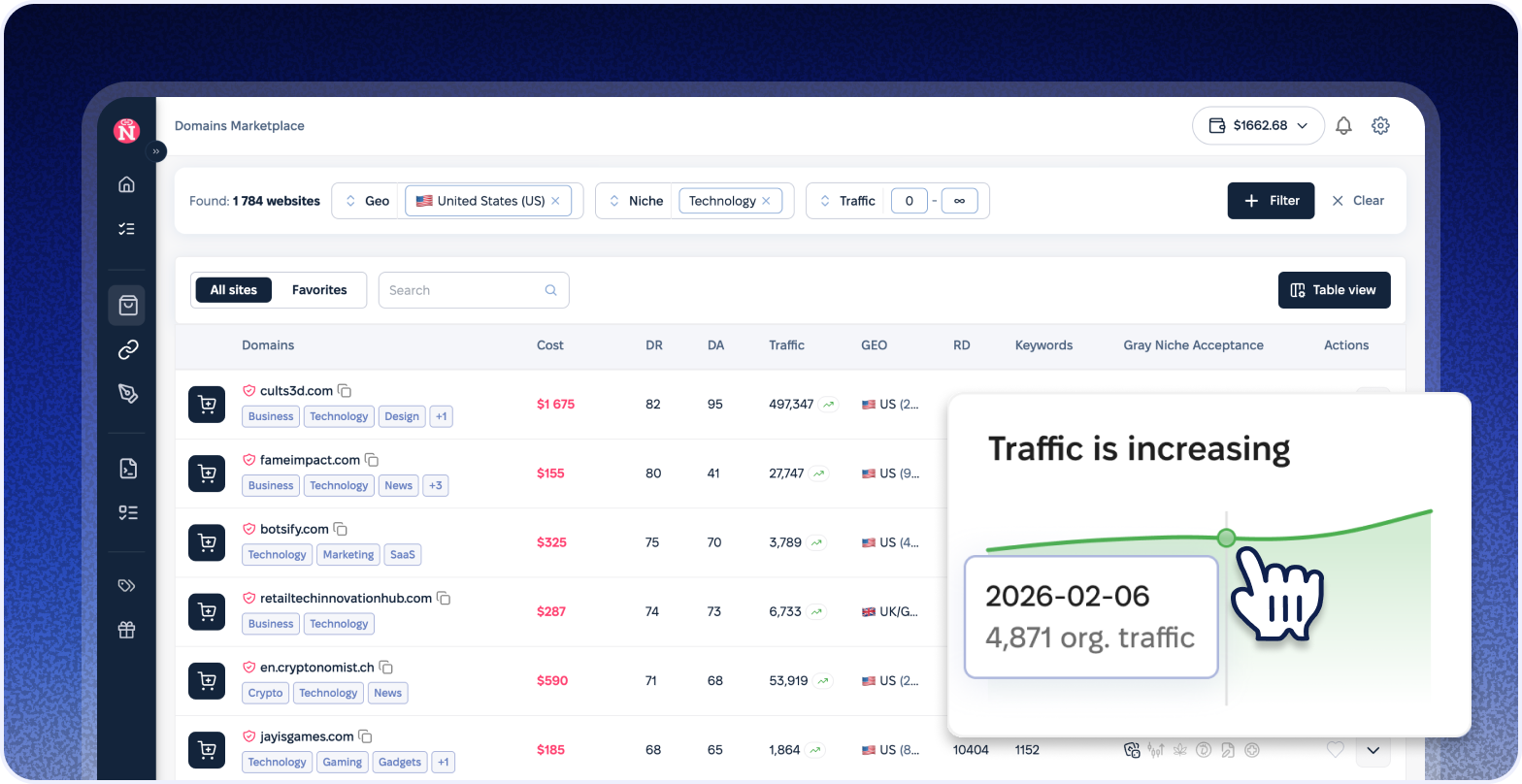
Validate donors, copy the list or move selected domains into the next link-building step.

Why use a Backlink Gap Checker?

Find Proven Link Prospects
Find referring domains that already link to your competitors but are still missing from your own backlink profile.

Compare Domains or Pages
Analyze complete backlink profiles or compare specific URLs when you need page-level link opportunities.

Choose Stronger Opportunities
Filter prospects by authority, competitor matches, link type, website type and spam signals before taking action.

Move Results Into Outreach
Review matching backlinks, export the opportunity list and continue selected domains into an outreach campaign.

Turn backlink gaps into a practical outreach workflow
Move from competitor link discovery to donor validation, outreach and managed placements with related NeedMyLink tools and services.

Link Building Platform
Send selected backlink prospects into a campaign workspace.
Backlink Checker
Review existing backlinks, anchors and referring pages.

Broken Backlink Checker
Find broken backlinks and identify link recovery opportunities.

Anchor Text Generator
Generate relevant anchor text variations for target pages and outreach.

Find backlink opportunities in Simple Steps
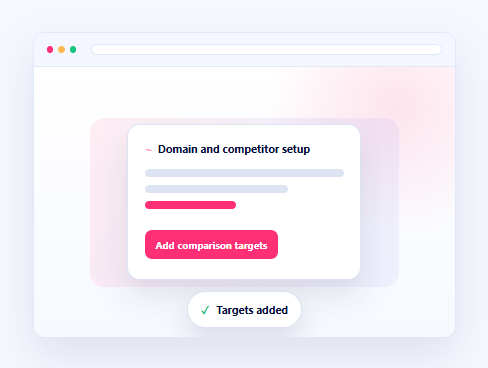
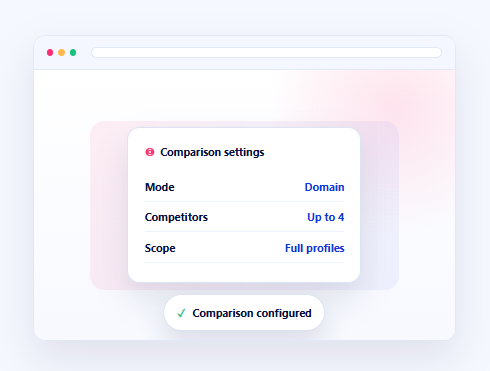
Enter your website and up to four competitor domains or URLs you want to compare against.
Compare complete domain backlink profiles or switch to Exact page mode for URL-level opportunities.
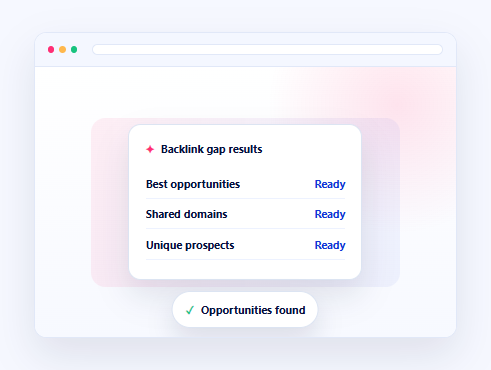
Run the comparison, review Best, Shared, Unique and All results, then narrow the list with filters.
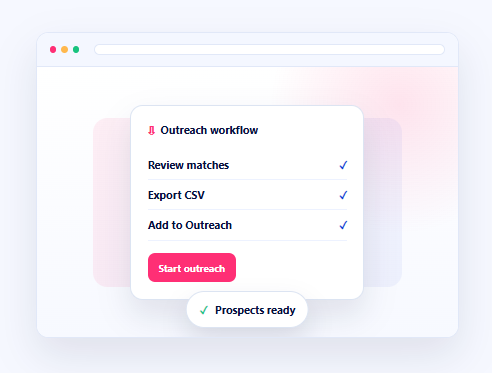
Open the matching backlinks, export the selected prospects or continue directly into a NeedMyLink campaign.

Frequently Asked Questions
It compares your backlink profile with competitor profiles and finds referring domains that link to them but do not currently link to you.
Domain mode compares complete backlink profiles, while Exact page mode checks backlinks pointing to the specific URLs entered in every field.
Best highlights stronger prospects based on competitor matches and link quality signals. Shared domains link to multiple competitors, while Unique opportunities appear for only one competitor.
You can filter opportunities by authority, link type, number of competitor matches and website type, then review spam signals before selecting a donor.
Yes. You can export the opportunity list as CSV, review the matching backlinks and move selected prospects into the NeedMyLink outreach workflow.
Need help turning backlink gaps into placements?
Contact NeedMyLink for donor validation, outreach, guest posting and managed link building campaign support.